 Pagegloss
What a word means here, not everywhere.
The panel shows the meaning of the word in this sentence. Whole sentence translates the sentence; on supported iPads, Apple Intelligence explains it. English words show their pronunciation.
Hold a word, even on a scanned page
Pagegloss reads the line on your iPad first, so a photocopied chapter works like any other PDF.
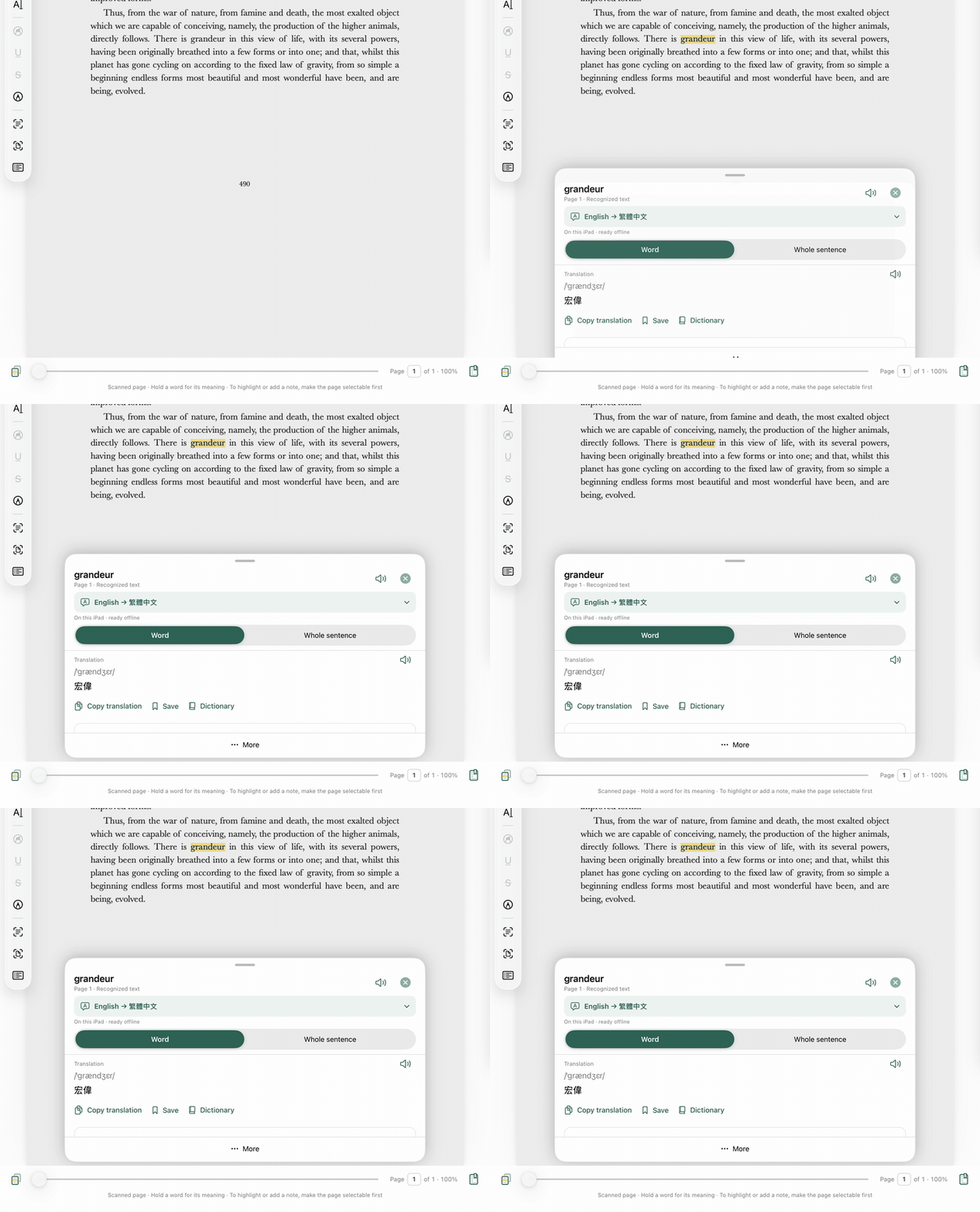
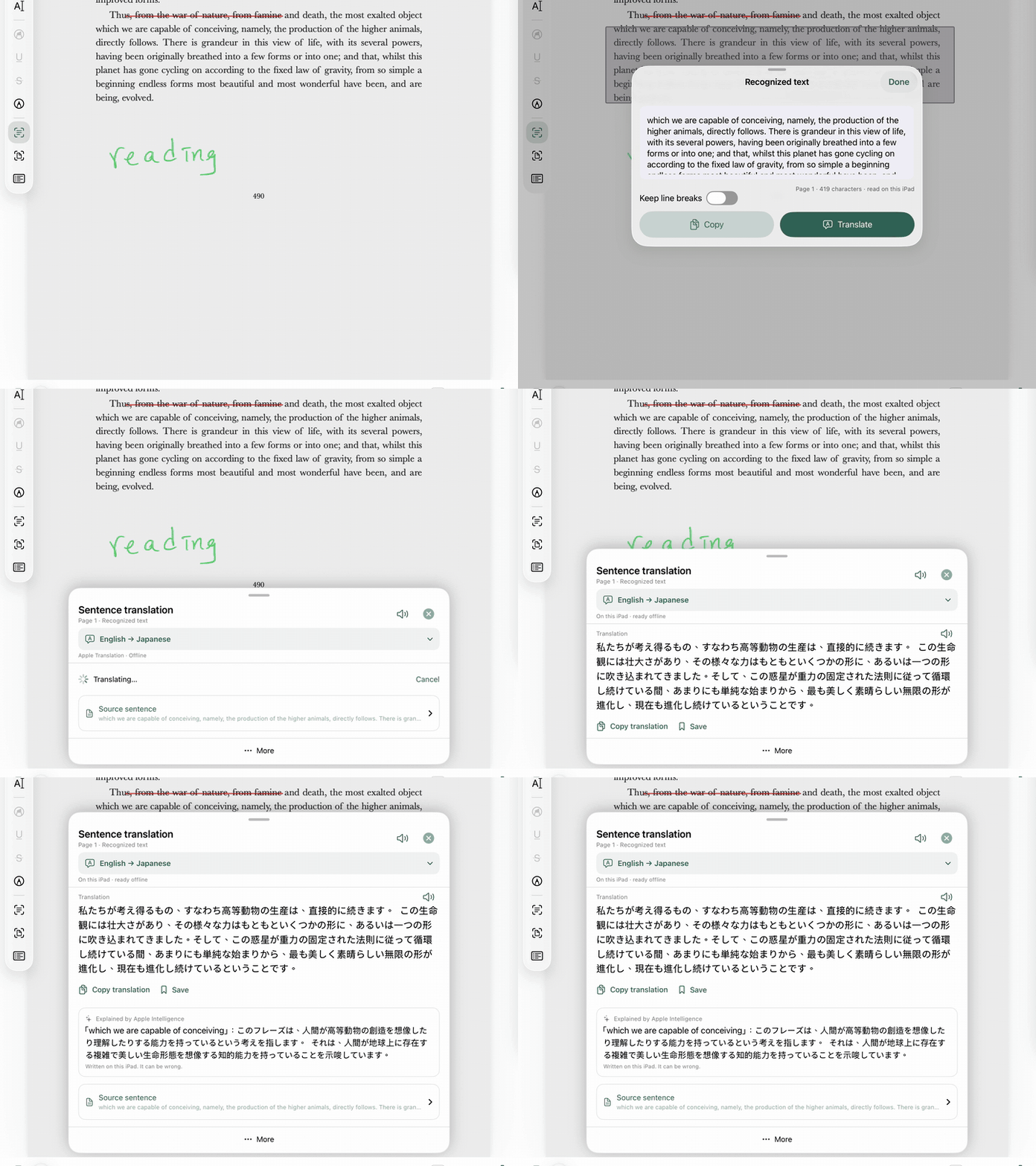
The whole sentence, explained
A translation of the sentence, and on supported iPads a short explanation written by Apple Intelligence.
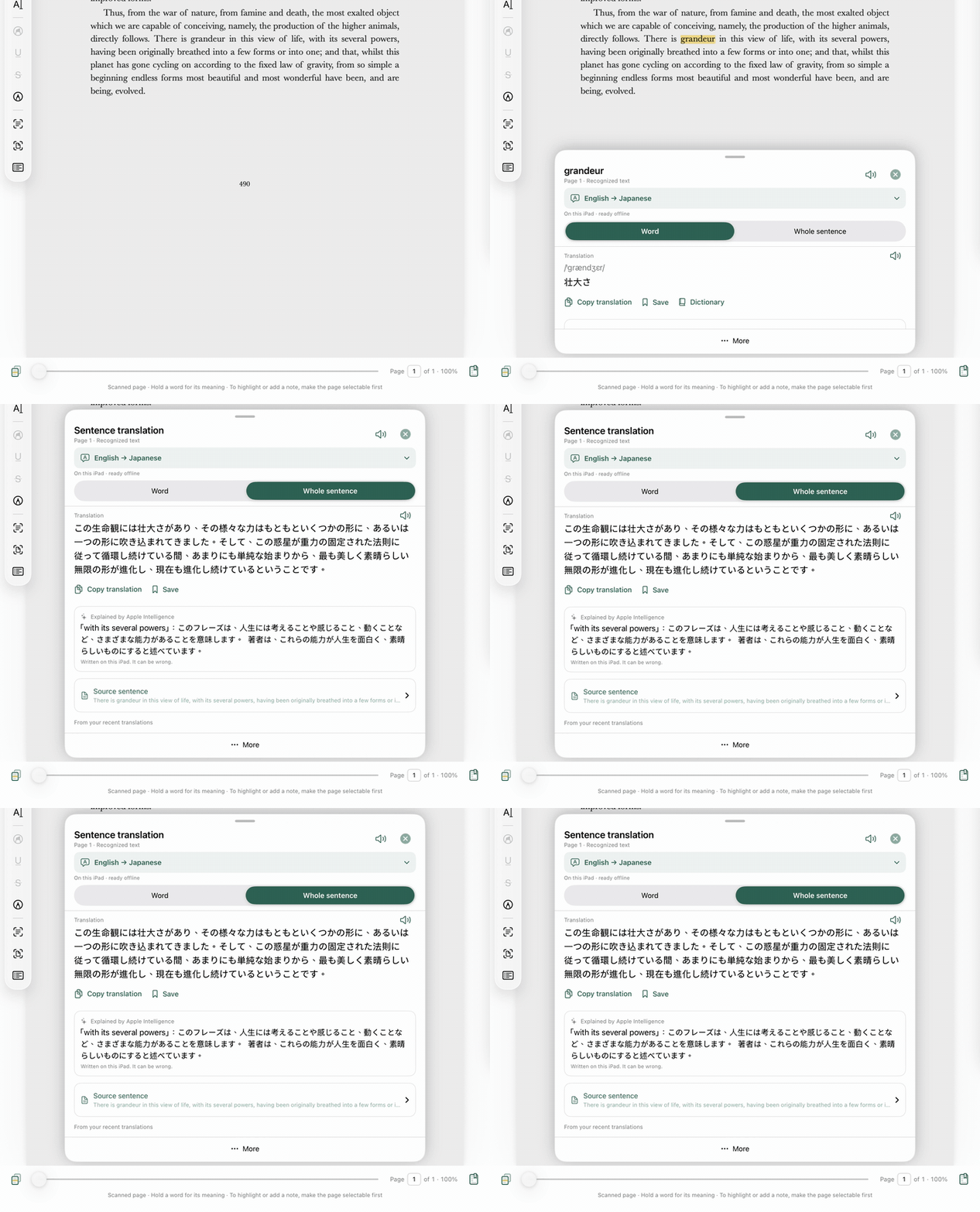
Japanese, Chinese, Korean, with a reading
A held word in Japanese shows its reading in Latin letters next to its meaning. Traditional Chinese, Simplified Chinese, Korean, Russian, Greek and Hindi work the same way.
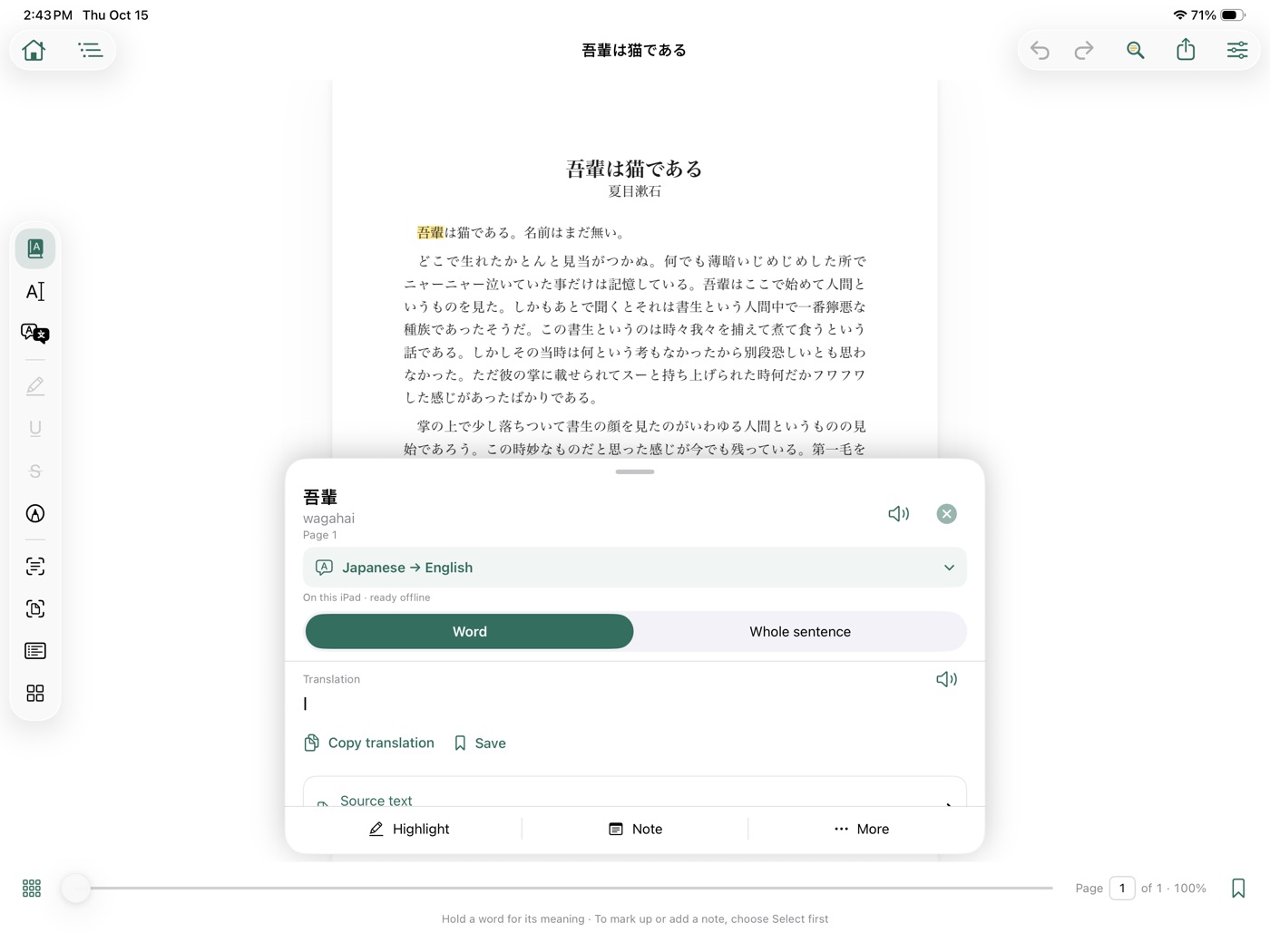
Mark the page
Highlight, underline, strikethrough, in your colours. Notes typed, or written with Apple Pencil and kept as handwriting.
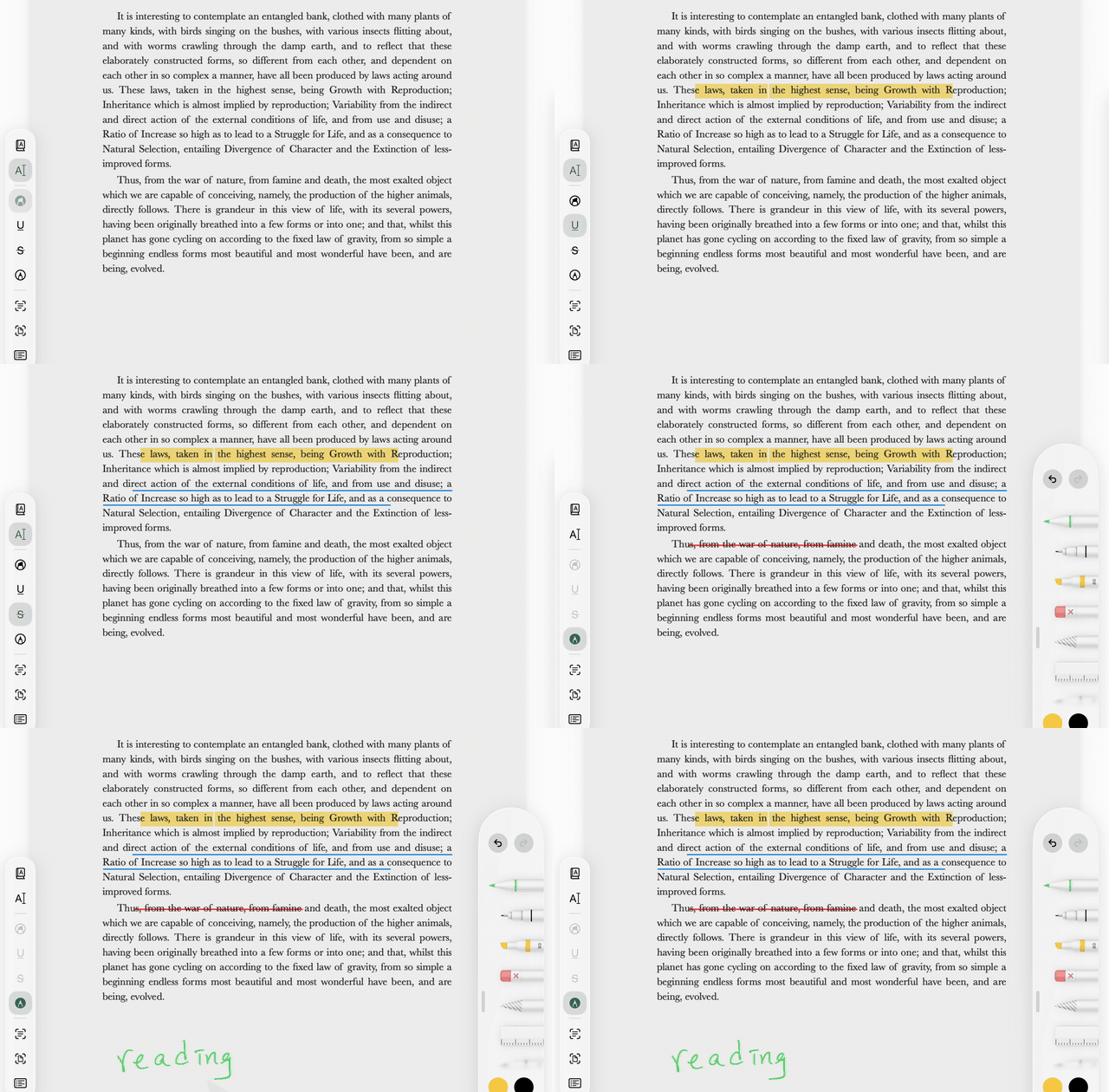
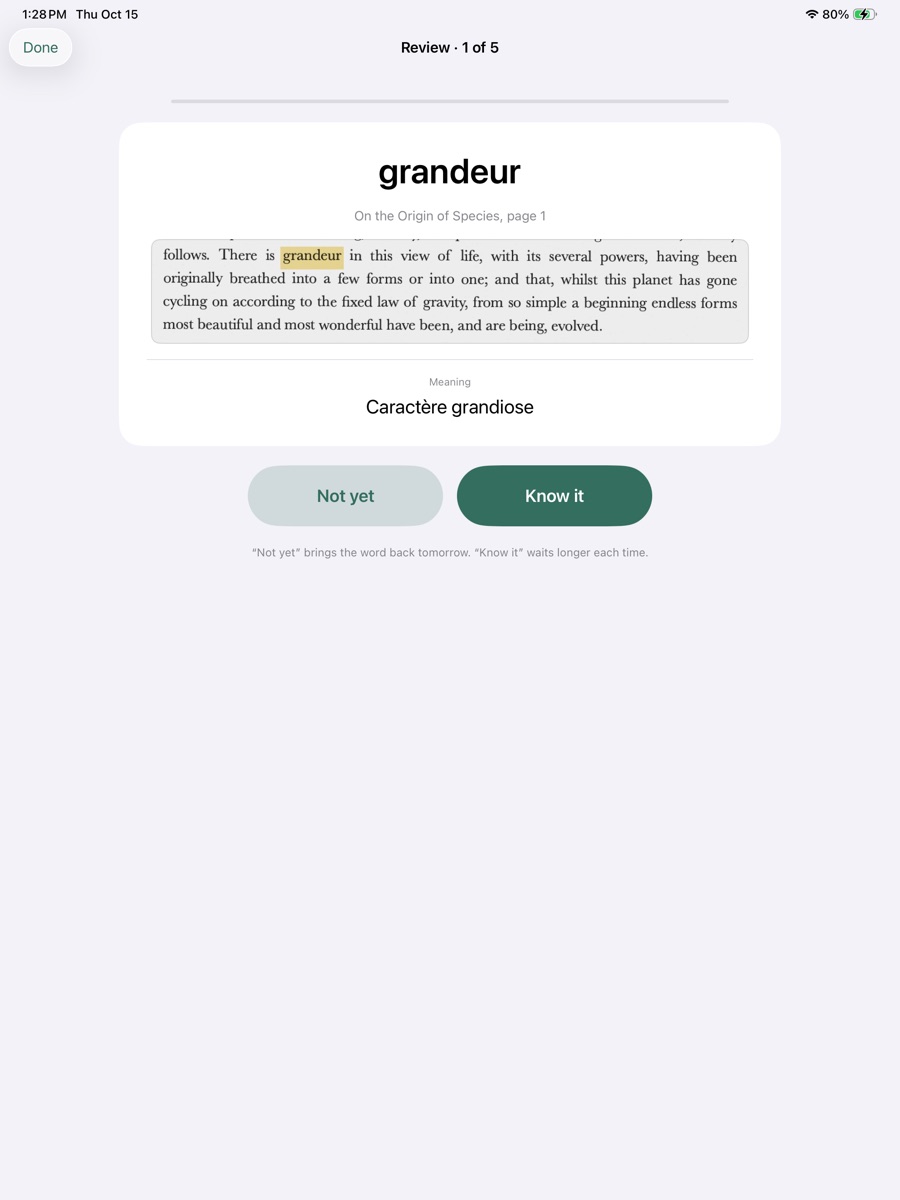
Saved words come back
A short daily review; each word keeps its sentence and a picture of its line.
Translate how you like
On the iPad with Apple's languages, or with your own key. Pagegloss shows what will be sent before anything leaves the iPad.
Drag a box around any lines
On a scanned page, draw a box and Pagegloss reads the lines inside it on your iPad. Copy them, or translate them; on supported iPads, Apple Intelligence explains them too.
Reads in Apple's languages, offline
Download a language once and translation works without internet. Also: a bilingual page view with the page in your language beside or below it, text recognition for scanned PDFs, and read-aloud.
Private by design.
No account, no ads, no analytics, no tracking. Your books and notes never leave the iPad. If you turn on an online service, only the selected text goes to it, straight from the iPad, with your own key.
- Your documents stay hereOn the iPad, inside the app. Delete the app and they are gone.
- Only selected text can leaveAnd only to a service you turned on, directly from the iPad.
- Keys in the KeychainYour API key is stored by iPadOS and sent only to that service.
- Nothing to sign up forNo account. No analytics. No server of ours in between.